See your whole inventory
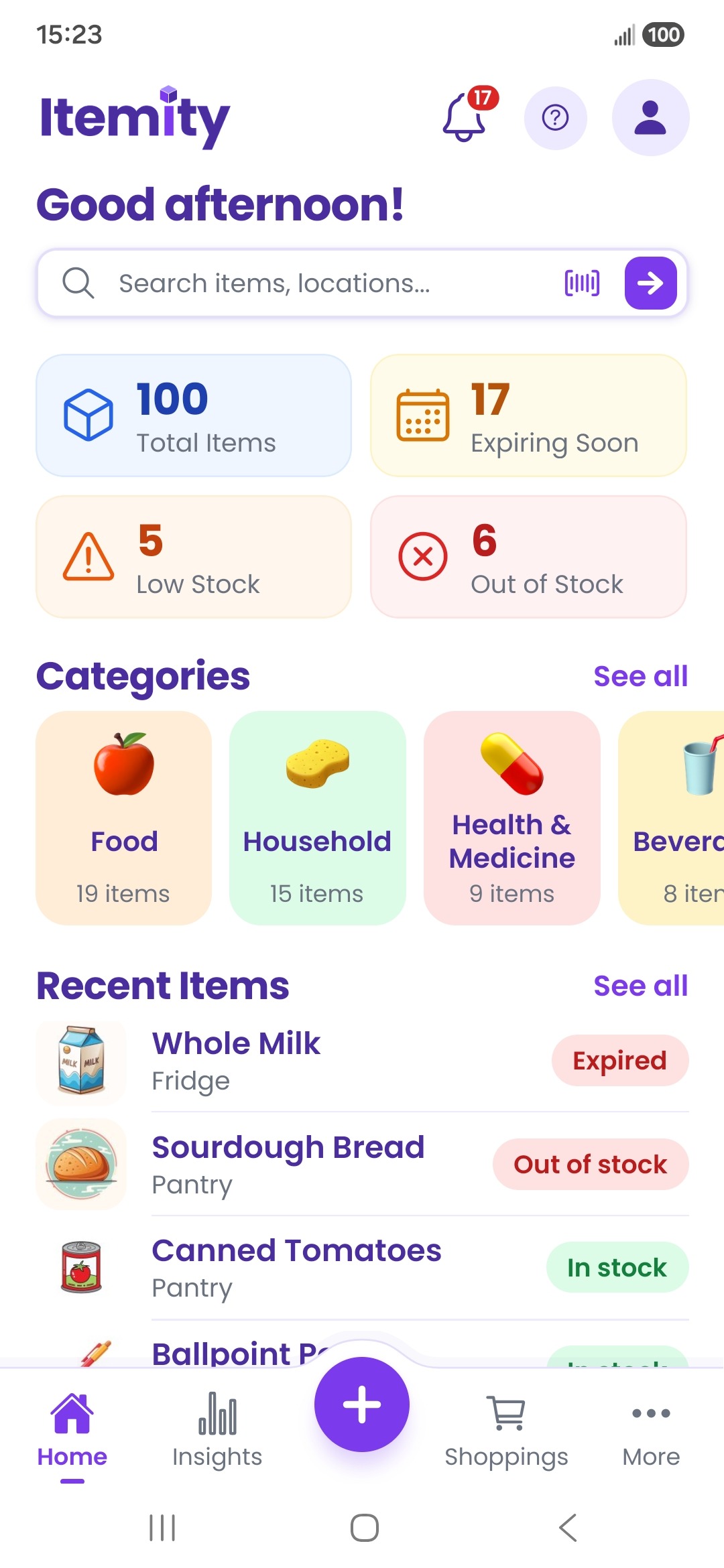
Browse items by category, check stock at a glance, and find recent additions without digging through cupboards.
 Get the app
Itemity brings every item, location, expiry date, and shopping need into one calm, clear view—so your home runs with less guesswork.

One place for the everyday details that are easy to forget.
Itemity turns scattered household knowledge into a system everyone can understand.
Browse items by category, check stock at a glance, and find recent additions without digging through cupboards.
Organize by room, storage spot, shelf, or your own custom location system.
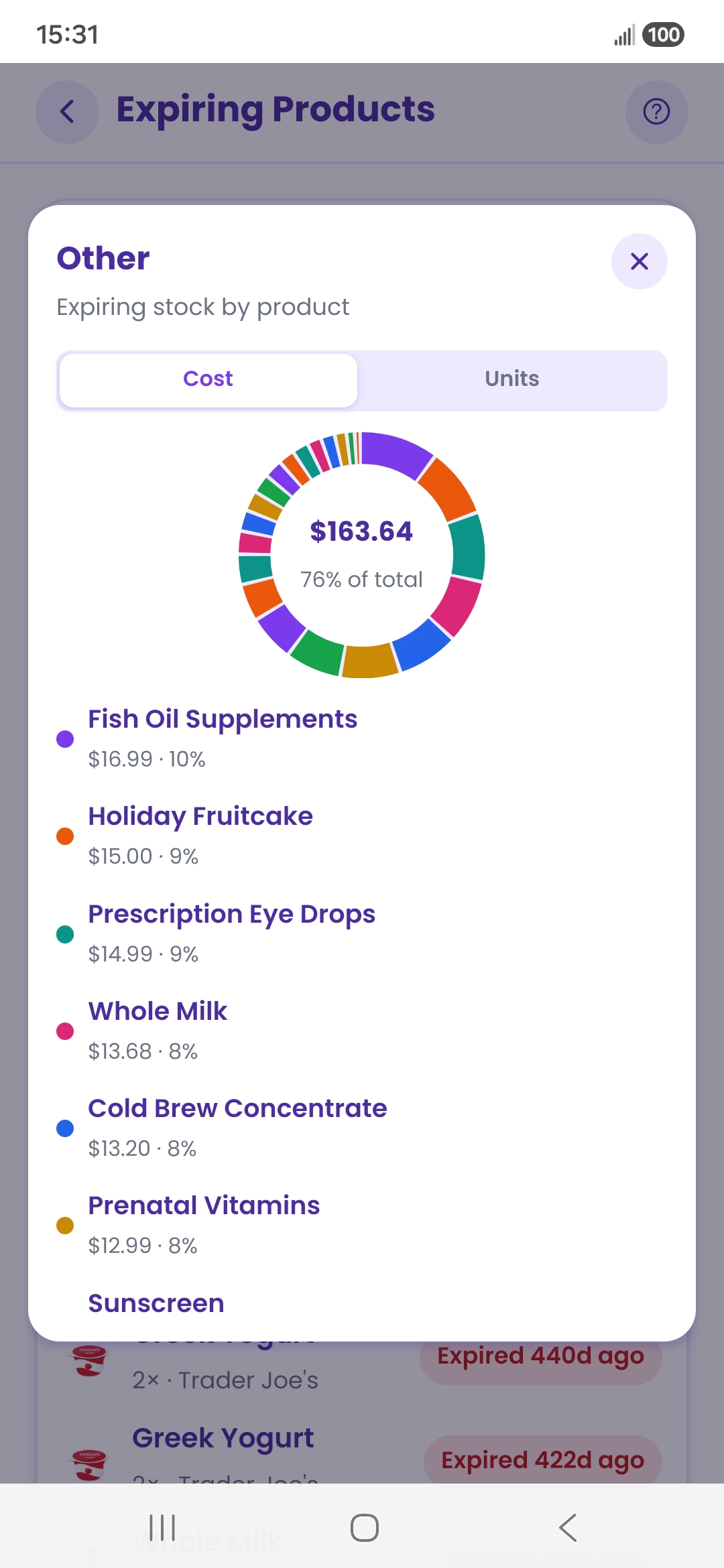
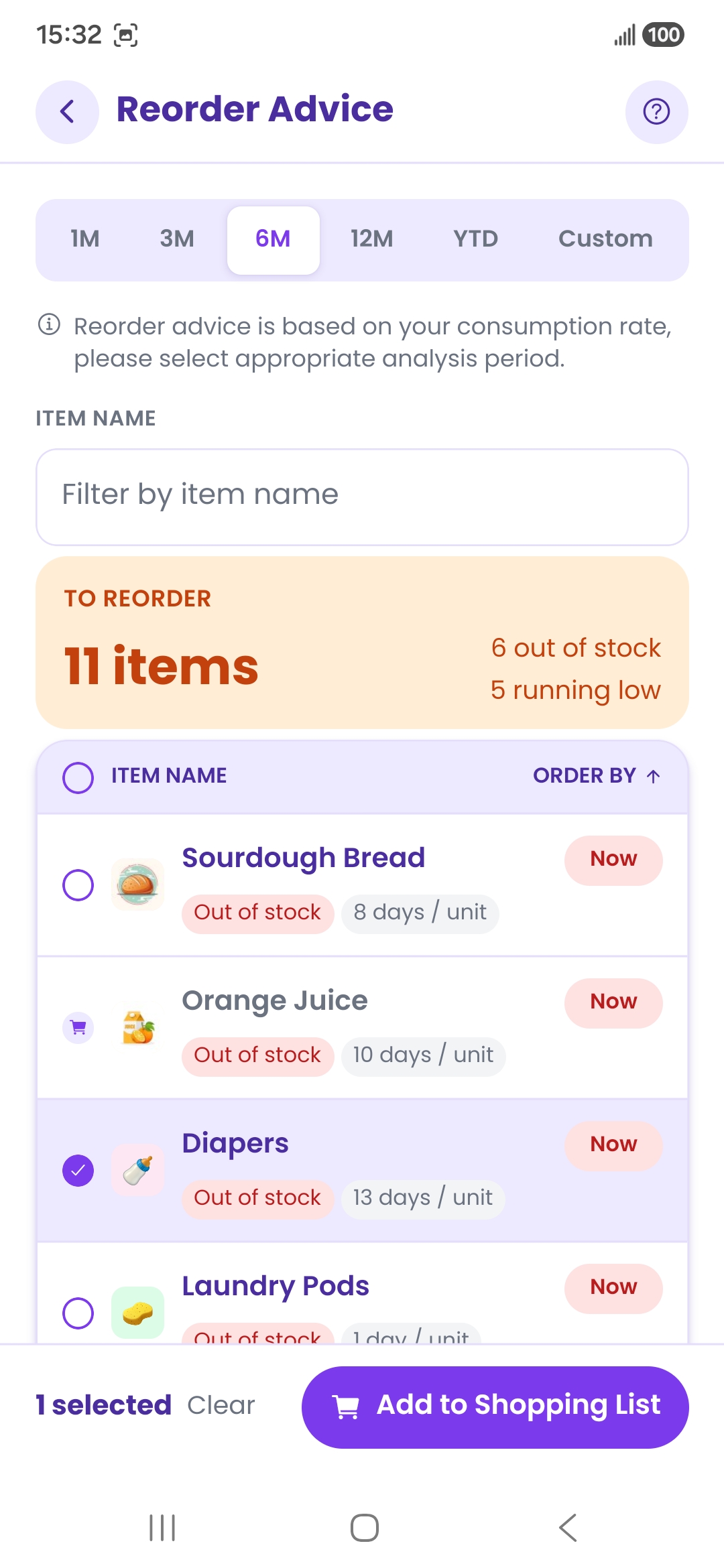
Catch low stock, out-of-stock items, and approaching expiry dates before they become a problem.
Itemity adapts to the way you shop, store, and plan—so the right information is always the first thing you see.
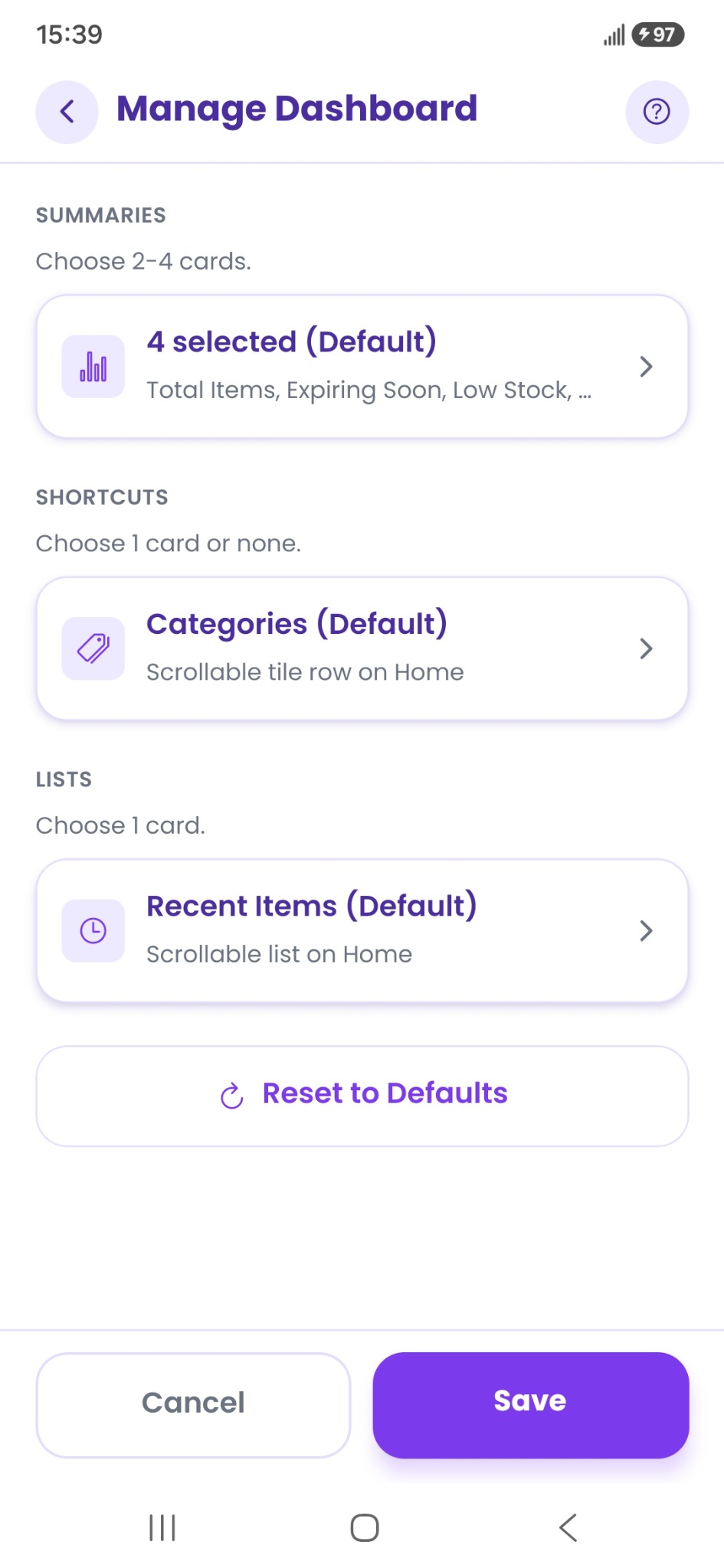
Choose your summary cards, your Home shortcut, and the list you want close at hand. Keep expiry front and center—or make low stock the priority.
Set how early Itemity should flag items that are likely to run out.
Choose how far ahead Itemity forecasts waste and supply risk.
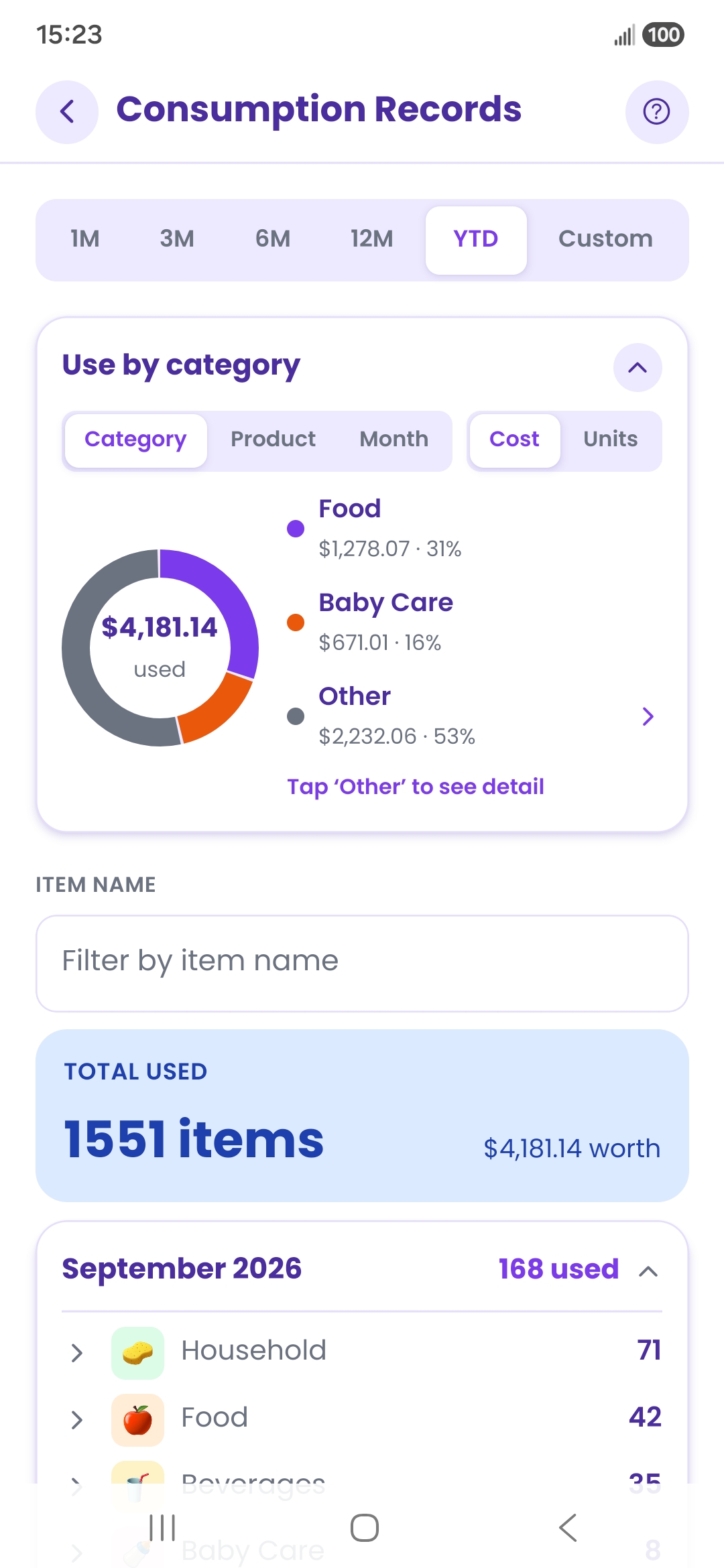
Itemity turns everyday activity into useful answers: what you use, what you buy, what may expire, and what belongs on your next list.
Add an item with a photo, a barcode, or a few taps. Itemity helps you keep track of where it belongs and when you need it.
Enter items manually, scan a barcode, or add a photo to make your inventory feel familiar.
Choose categories and locations that match how your home actually works.
Track purchases and usage to reveal waste, timing, and smarter reorder decisions.
Itemity works without an account and keeps your inventory locally on your device. You decide when to export, back up, or restore it.
No. Itemity is designed to work without sign-up, so you can begin organizing immediately.
Your inventory is stored locally on your device. Itemity does not require a cloud account or backend sync.
Yes. Expiry tracking, waste insights, consumption history, and reorder guidance help you use more of what you already have.
Yes. Itemity supports encrypted backup and restore, along with CSV import and export tools.
Few questions, 45 seconds. Your answers help us decide what to build next, including whether to make an iPhone version. If you want to hear when it is ready, you can leave your name and email at the end; that part is optional.
Answers are processed by our feedback-form provider. See our Privacy Notice.
Everything you have, where it belongs, and what to do next—all Itemity.